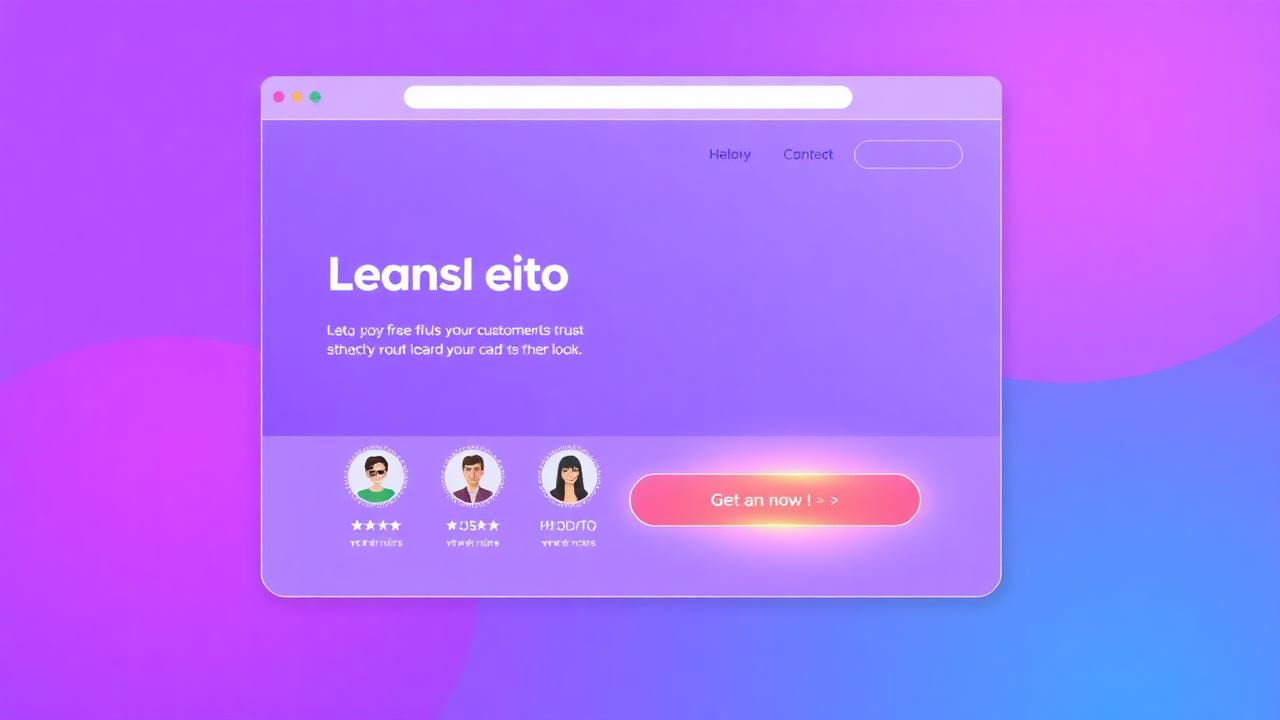

Landing pages without social proof rely entirely on your own claims to convince visitors. That's like asking a jury to convict based on the prosecutor's opening statement alone — no witnesses, no evidence, no testimony. This guide covers exactly where and how to place social proof on landing pages for maximum conversion impact.
Why Do Landing Pages Need Social Proof?
Landing pages are single-purpose conversion pages where visitors make a binary decision — convert or leave. Social proof tips this decision by providing third-party validation that reduces the perceived risk of taking action.
Landing pages face a unique challenge: visitors arrive with intent but also skepticism. They're interested (they clicked the ad or link) but uncertain (they don't know if they can trust you). Social proof bridges this gap by answering the visitor's unspoken question: "Have other people like me made this decision and been happy with it?"
Research from VWO analyzing 2,500 landing page tests found that adding social proof elements increased conversion rates by an average of 12.5%, with some implementations achieving 35%+ lifts. The impact is particularly strong for new brands with low awareness.
What Social Proof Types Work on Landing Pages?
The most effective landing page social proof types are trust bars (logo strips), customer counts, star ratings, short testimonials, real-time notifications, and security/certification badges — each serving a different psychological purpose.
- Trust bar: A strip of client logos or platform badges below the hero. Establishes instant credibility.
- Customer/user counts: "Join 10,000+ businesses" creates bandwagon effect
- Aggregate ratings: "★★★★★ 4.9/5 from 500+ reviews" provides quick trust validation
- Short testimonials: 1–2 sentence quotes with photo and name, placed strategically
- Real-time notifications: NotiProof notifications showing recent signups/purchases create urgency
- Certification badges: Trust badges, security seals, and partner certifications
What Are the Three Critical Placement Zones?
Landing page social proof must appear in three zones: above the fold (credibility establishment), adjacent to CTAs (decision validation), and near pricing/commitment sections (objection handling) — each zone addresses different visitor psychology.
Think of your landing page as three psychological zones, each requiring different social proof:
- Zone 1 — Above the fold (Credibility): Visitors decide in 3 seconds whether to stay. A trust bar, customer count, or aggregate rating immediately says "this is legitimate."
- Zone 2 — Near CTAs (Validation): When a visitor's cursor approaches the CTA button, a testimonial or review snippet validates the action they're about to take.
- Zone 3 — Pricing/commitment (Justification): Near pricing tables or signup forms, case study excerpts and ROI metrics justify the investment.
How Do You Build Trust Above the Fold?
Above-the-fold social proof must be compact, scannable, and credibility-focused — a strip of 4–6 client logos, an aggregate metric ("Trusted by 10,000+ teams"), or a platform rating badge that visitors can process in under 2 seconds.
Above-the-fold social proof must be processed almost subconsciously. Visitors absorb it while scanning the headline and CTA — never forced to "read" it. The most effective formats:
- Logo strip: 4–6 recognizable client/partner logos in grayscale (less visually distracting, more professional)
- Metric badge: "Trusted by 10,000+ businesses" or "4.9/5 on G2" — one specific, impressive number
- Visitor counter: "47 people are viewing this page" creates immediate social validation
How Do You Validate Near CTAs?
Place a 1–2 sentence testimonial directly adjacent to your CTA button — "This tool paid for itself in the first week" next to "Start Free Trial" reduces clicking anxiety by up to 25%.
The area around your CTA is the most psychologically charged space on the page. Visitors are considering action — and social proof at this moment provides the final push. Effective CTA-adjacent social proof:
- Testimonial snippet: A short, specific quote with the reviewer's photo, name, and title
- Micro-copy: "Join 5,247 teams already using NotiProof" directly below the button
- Star rating: "★★★★★ Rated 4.9/5 by 500+ customers" in small text under the CTA
- Real-time notification: A recent activity notification appearing as the visitor contemplates clicking
How Do You Support Pricing Decisions with Social Proof?
Near pricing sections, use ROI-focused social proof — case study excerpts showing measurable returns, "Most Popular" badges on recommended plans, and real-time signup notifications that validate the investment.
When visitors reach pricing, they've already decided your product might be right. Now they need justification that it's worth the price. This is where ROI-focused social proof shines:
- ROI metrics: "Average customer ROI: 800%" or "Customers see 25% conversion lift in 30 days"
- "Most Popular" badges: Highlighting the most-chosen plan reduces decision paralysis
- Case study links: "See how StyleHaven increased revenue by 287%"
- Satisfaction guarantees: "30-day money-back guarantee" alongside trust badges
How Do You Test Landing Page Social Proof?
Test social proof on landing pages by varying type (testimonials vs. notifications vs. counters), placement (above fold vs. near CTA), specificity level (aggregate metrics vs. individual stories), and presence/absence — using your landing page's primary conversion as the success metric.
Social proof testing follows the same principles as any A/B test. Start with the highest-impact tests:
- Presence vs. absence: Does adding social proof to a clean page improve or clutter?
- Type comparison: Static testimonials vs. real-time social proof notifications
- Placement: Above-fold trust bar vs. mid-page testimonial section
- Specificity: "10,000+ customers" vs. "Sarah from Austin increased conversions by 31%"
Key Takeaways
- Landing pages without social proof rely entirely on your own claims — add third-party validation
- Three critical placement zones: above fold (credibility), near CTAs (validation), at pricing (justification)
- Above-fold social proof must be scannable in under 2 seconds — logos, metrics, or badges
- A testimonial next to a CTA reduces clicking anxiety by up to 25%
- Near pricing, use ROI-focused proof: case study metrics, "Most Popular" badges, satisfaction guarantees
- Test type, placement, and specificity level — start with presence/absence tests