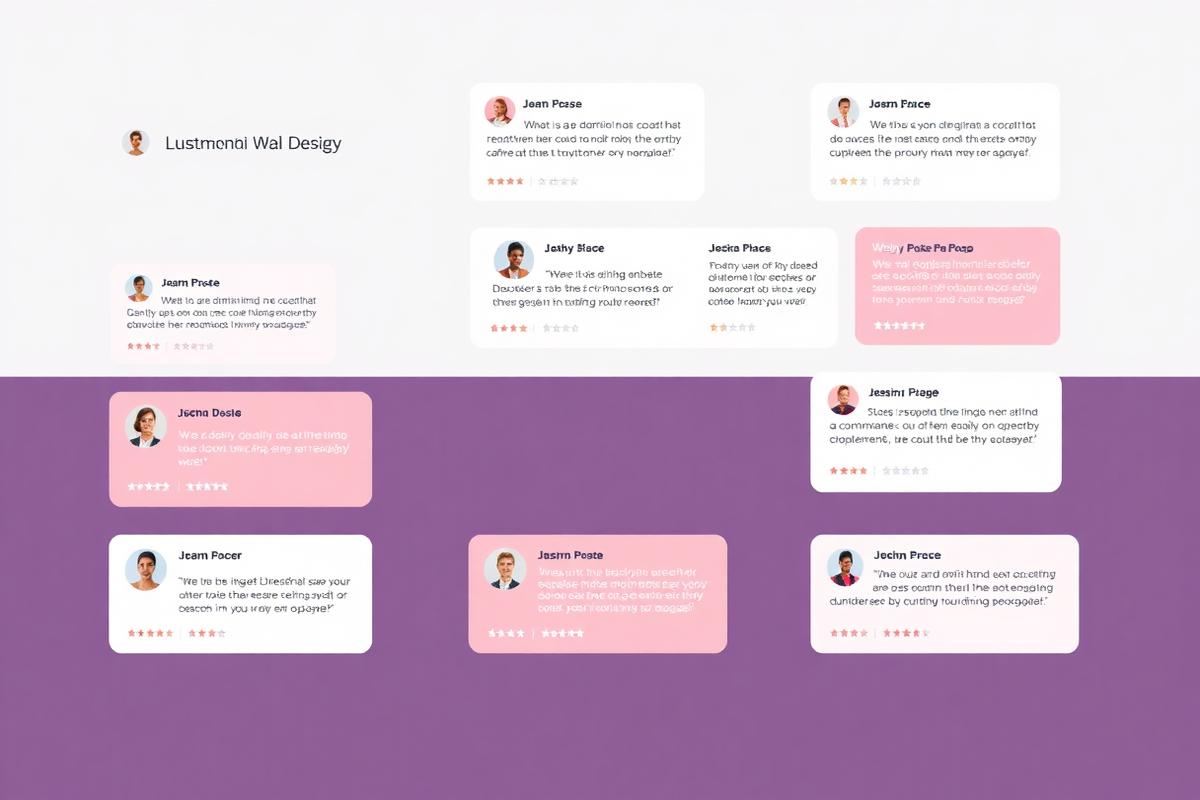

Your testimonial page is often the last stop before a prospect decides to buy. It's where skeptical visitors go to validate their decision, where comparison shoppers look for proof that you're the right choice, and where enterprise buyers find the social validation they need to justify the purchase internally. A poorly designed testimonial page wastes this critical opportunity. A well-designed one converts browsers into buyers.
Why Do You Need a Dedicated Testimonial Page?
A dedicated testimonial page serves as a comprehensive trust library for prospects in the final decision stage — providing deeper social proof than scattered quotes on other pages can achieve.
While embedded testimonials on landing pages and product pages are essential for in-context trust building, a dedicated page serves a different purpose. It's where serious buyers go to do deep evaluation. They want to see volume (how many happy customers?), diversity (do customers like me use this?), and specificity (what results did they actually achieve?).
Analytics consistently show that testimonial pages have high conversion influence despite not always being the direct converting page. Prospects who visit the testimonial page before purchasing have a 30-50% higher conversion rate than those who don't — because they've self-selected into the evaluation phase and the testimonials resolved their remaining objections.
From an SEO perspective, a testimonial page creates a rich content hub that targets queries like "[your product] reviews," "[your company] testimonials," and "[your category] customer results" — capturing bottom-of-funnel search traffic from prospects actively evaluating solutions.
What Structure Does a Testimonial Page Follow?
Structure your page with a hero section featuring your aggregate rating and a headline, followed by featured testimonials (3-5 best stories), then a filterable grid of all testimonials, and end with a clear CTA.
Hero section: Lead with your aggregate social proof numbers: "Trusted by 2,500+ businesses | Rated 4.8/5 from 500+ reviews." Include platform logos (Google, G2, Trustpilot) for credibility. This immediately establishes volume and quality before a single testimonial is read.
Featured testimonials: Curate 3-5 of your most compelling stories — ideally covering different industries, company sizes, and use cases. These must be your "hero" testimonials with specific metrics, named individuals, and company context. If you have video testimonials, lead with these for maximum impact.
Filterable gallery: Below the featured section, display all testimonials in a grid or masonry layout with filters by industry, company size, use case, or rating. This lets prospects find testimonials from businesses similar to theirs. Use NotiProof's testimonial widget for automated display with built-in filtering.
CTA section: End with a clear call-to-action that capitalizes on the trust you've just built. "Ready to join 2,500+ happy customers? Start your free trial" with a prominent button and secondary "Book a demo" option.
What Design Principles Build Maximum Trust?
Maximize trust through attribution completeness (name + photo + title + company), visual authenticity (real photos over stock), specific metrics in testimonials, and recognizable third-party platform badges.
Full attribution: Every testimonial must include the customer's full name, job title, company name, and a real photo. Testimonials attributed to "J.S., Marketing Manager" are 63% less trusted than those attributed to "Jennifer Smith, VP of Marketing, Acme Corp" with a real headshot.
Real photos only: Never use stock photos for testimonial avatars. Visitors can spot stock imagery instantly, and it destroys credibility for the entire page. If a customer can't provide a photo, use their company logo or initials — but never a stock headshot.
Visual hierarchy: Lead with the most impactful element — the metric or key quote — in larger, bolder text. Supporting context follows in regular text. This ensures that visitors scanning the page absorb the strongest proof points even without reading every word.
White space: Don't cram testimonials together. Generous spacing between testimonial cards creates a premium feel and prevents visual overwhelm. Each testimonial must breathe as its own unit of social proof.
Which Testimonial Formats Do You Include?
Include a mix of short quote cards (1-2 sentences), detailed story cards (2-3 paragraphs with metrics), video testimonials, and case study links — each format serves a different reader behavior and trust-building function.
Short quote cards: Quick-scan social proof for visitors who won't read full stories. Include the strongest single sentence from each testimonial, the customer's name and title, and a star rating. These work well in grid layouts.
Story cards: Detailed testimonials that include the problem, solution, and specific results. These are your most persuasive format for prospects who are actively evaluating. Include metrics like "+31% conversion rate" prominently within the card.
Video testimonials: The most persuasive format. Include a thumbnail with a play button, the customer's name, and a key quote as preview text. Videos must auto-play (muted with captions) or play on click depending on page layout. See our complete video testimonial guide.
Case study links: For enterprise or B2B audiences, link to detailed case studies from summary testimonial cards. The testimonial serves as the hook, and the case study provides the depth that enterprise buyers require.
Does Filtering and Sorting Help?
Yes — filtering by industry, company size, use case, and format (text/video) helps prospects find testimonials from businesses like theirs, making the social proof more relevant and persuasive.
Social proof is most effective when the source is similar to the reader. A SaaS founder considering your product will be more influenced by testimonials from other SaaS companies than from e-commerce stores. Filtering makes this self-selection effortless.
Common filter categories: Industry (E-commerce, SaaS, Agency, Local Business), Company size (Startup, SMB, Enterprise), Use case (Conversion optimization, Trust building, Review management), and Format (Text, Video, Case study). Keep filters simple — 3-4 categories maximum to avoid analysis paralysis.
Default sorting must show the most recent or most impactful testimonials first. Recency signals ongoing satisfaction, while impact-first ordering puts your best foot forward. Let visitors switch between "Most recent," "Most helpful," or "Highest rated."
Where Do You Place CTAs on Testimonial Pages?
Place CTAs in three positions: a subtle inline CTA after the featured testimonials section, a sticky header/button during scroll, and a prominent full-width CTA section at the bottom of the page.
The testimonial page exists to build trust that leads to conversion. Don't be shy about including CTAs — visitors on this page are already deep in the evaluation process. A CTA that appears after they've seen your strongest testimonials capitalizes on peak trust.
Avoid interrupting the testimonial browsing experience with aggressive popups or overlays. The CTAs feels like natural next steps: "Impressed? Start your free trial" or "See these results for yourself — book a demo." The tone must be confident, not desperate.
How Do You Optimize Testimonial Pages for SEO?
Optimize with a keyword-rich H1 targeting "[brand] reviews" or "[brand] testimonials," AggregateRating schema markup, unique page copy alongside testimonials, and internal links to product pages and related content.
Your testimonial page must target branded review queries ("NotiProof reviews," "NotiProof testimonials," "NotiProof customer results"). These are high-intent, bottom-of-funnel searches from prospects actively evaluating your product. Ranking for your own branded review terms prevents competitors from capturing that traffic.
Include AggregateRating schema: total number of reviews, average rating, and best/worst rating. This can generate rich snippet stars for your testimonial page in search results, dramatically increasing click-through rate.
Write 200-400 words of introductory copy above the testimonials. This helps Google understand the page's purpose and provides keyword context. Reference specific outcomes, industries served, and your product name naturally throughout.
What Mistakes Do You Avoid?
Avoid these trust-killing mistakes: using stock photos, showing only perfect 5-star reviews, displaying testimonials without attribution, neglecting mobile optimization, and failing to update testimonials regularly.
Stock photos: Instantly detectable and destroys all credibility. Use real customer photos or don't use photos at all — initials or company logos are preferable to fake headshots.
Only perfect reviews: A page of exclusively glowing, 5-star testimonials triggers suspicion. Include some 4-star reviews or testimonials that mention minor limitations alongside strong praise — authenticity builds more trust than perfection.
Outdated content: Testimonials from 2019 on a 2025 website suggest the business has stagnated. Refresh your page regularly with recent testimonials. Display dates prominently and prioritize recent submissions through your ongoing collection efforts.
Mobile neglect: Over 60% of web browsing happens on mobile. If your testimonial grid breaks, videos don't play, or cards overflow on smaller screens, you lose the majority of your audience. Test on multiple devices and ensure all elements — especially video players — work flawlessly on mobile.