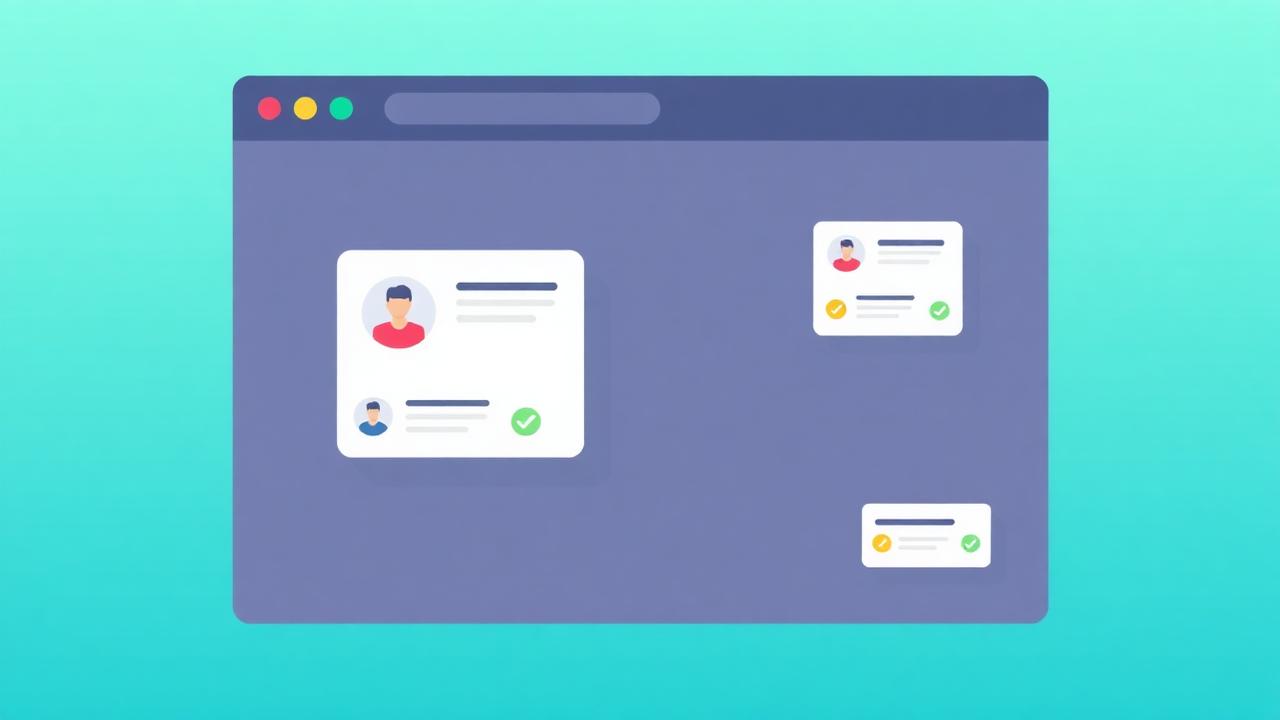

Social proof notifications are real-time alerts displayed on your website showing visitor activity — recent purchases, signups, reviews, and page views — that create trust and urgency for other visitors. They're the digital equivalent of a busy store: when people see others buying, they're more likely to buy too.
What Are Social Proof Notifications?
Social proof notifications are small, non-intrusive popups that display real visitor activity on your website — "Sarah from Austin just purchased Product X" or "47 people are viewing this page" — creating trust and urgency that increases conversions by 10–35%.
These notifications typically appear as small toast-style popups in the corner of the screen, showing recent activity from real visitors. They leverage social proof psychology — the tendency to follow others' behavior — in the most direct way possible: showing the behavior happening in real time.
Unlike static testimonials or review widgets, social proof notifications are dynamic and timely. They create a sense of a living, active marketplace — transforming a static webpage into a place where things are happening right now. This immediacy is what makes them so effective at driving conversions.
NotiProof's notification system displays real events from your website, integrations, and review platforms — never fabricated data. Authenticity is non-negotiable for sustainable social proof.
What Types of Social Proof Notifications Exist?
The six main notification types are recent activity (purchases/signups), live visitor counts, review notifications, aggregate statistics, milestone alerts, and trending/popular indicators — each suited to different business models and funnel stages.
- Recent purchase/signup notifications: "Sarah from Austin just purchased [Product]" — the most common type. Creates urgency and validates the specific product. Best for: e-commerce, SaaS signups.
- Live visitor counters: "47 people are viewing this page right now" via NotiProof's visitor counter. Creates crowd wisdom and scarcity signals. Best for: product pages, pricing pages.
- Review notifications: "John just left a 5-star review: 'Amazing product!'" — pulls from aggregated reviews. Combines social proof with specific feedback. Best for: any page.
- Aggregate statistics: "1,247 people signed up this week" — uses wisdom of the crowd. Best for: landing pages, homepage.
- Milestone alerts: "Congratulations! You're our 10,000th customer!" — creates a sense of community and growth.
- Trending indicators: "🔥 Trending: 3× more orders than usual today" — identifies popular items and creates FOMO.
Why Do Social Proof Notifications Convert?
Notifications convert because they trigger three psychological mechanisms simultaneously: informational influence (others' behavior signals correct behavior), the bandwagon effect (desire to join the majority), and FOMO (fear of missing what others are getting).
Social proof notifications are uniquely effective because they compress multiple psychological triggers into a single, timely signal:
- Informational influence: "Others are buying, so it must be good" reduces uncertainty
- Bandwagon effect: "Many people are doing this" creates a desire to join the majority
- FOMO: "Sarah just bought this 2 minutes ago" creates urgency — "I might miss out"
- Similarity bias: "Sarah from Austin" — visitors from the same city feel a stronger connection
- Recency bias: "2 minutes ago" — recent activity is perceived as more relevant than old testimonials
Research shows that real-time social proof is 3–5× more persuasive than static testimonials because of the immediacy and perceived authenticity. A notification saying "purchased 2 minutes ago" feels more trustworthy than a testimonial from "last year" because it's clearly current and automated rather than curated.
Where Do You Display Notifications?
Display notifications on product pages (purchase notifications), pricing pages (signup activity + visitor counts), landing pages (aggregate stats), and checkout (trust reinforcement) — but never on pages where they distract from the primary action.
Notification placement must match the page's conversion goal:
- Product pages: Recent purchases for the specific product, "X people viewing this," and review notifications
- Pricing pages: Signup activity ("Another team just upgraded to Pro"), aggregate statistics
- Landing pages: Aggregate proof ("1,247 signups this week"), testimonial snippets
- Blog/content: Use sparingly — content upgrade notifications rather than purchase alerts
- Checkout: Trust-focused notifications only — avoid creating distractions during payment
NotiProof's campaign builder lets you set page-specific rules, so each page type shows the most relevant notification type.
How Do You Design Effective Notifications?
Effective notifications use a compact toast format, include a human element (name + location), display specific details (product name + time), use subtle animation to attract attention without disrupting, and match your brand's visual design.
Design principles for social proof notifications:
- Human element: Include first name and location — "Sarah from Austin" is more persuasive than anonymous data
- Specificity: "just purchased Blue Running Shoes" is more credible than "just made a purchase"
- Recency: "2 minutes ago" creates urgency; "3 days ago" does not
- Subtle animation: Slide-in from the corner, not pop-up in the center. Attract attention without interrupting
- Brand consistency: Match your site's color scheme and typography. NotiProof offers full design customization.
- Auto-dismiss: Show for 4–7 seconds, then fade out. Persistent notifications become annoying.
How Do You Implement Social Proof Notifications?
With NotiProof, implementation takes under 5 minutes: install one script tag, connect your data sources (Shopify, Stripe, manual events), configure notification design and rules in the dashboard, and go live — no coding required.
NotiProof works with every major platform:
- Shopify: Automatic purchase event tracking — install and it works
- WordPress: Plugin installation with one-click configuration
- Custom HTML/React/Next.js: Single script tag in your <head>
- Zapier: Connect any data source via Zapier workflows
How Do You Optimize Notification Performance?
Optimize by A/B testing notification design, message content, display frequency (every 30s vs. 60s vs. 90s), position (bottom-left vs. bottom-right), and timing (immediate vs. scroll-triggered) — track click-through rate and downstream conversions.
NotiProof's built-in A/B testing lets you test notification variants against each other. Key variables to test:
- Message format: "[Name] from [City] just purchased [Product]" vs. "[X] people bought [Product] today"
- Frequency: Too frequent = annoying; too rare = invisible. Start with every 45 seconds.
- Position: Bottom-left is the standard; test bottom-right for right-to-left language sites
- Trigger: Show on page load vs. after 10 seconds vs. on scroll past 25%
What Social Proof Notification Mistakes Do You Avoid?
The biggest mistakes are using fake data (destroys trust permanently), showing notifications too frequently (creates annoyance), ignoring mobile optimization (40% of visitors), and not tracking actual conversion impact.
- Fake notifications: Never fabricate purchase data. Consumers can detect fake social proof, and the backlash is severe. NotiProof only displays real, verified events.
- Over-notification: Showing alerts every 15 seconds overwhelms visitors. Use frequency capping.
- Irrelevant notifications: Showing purchase alerts on a blog post feels out of place. Match notification type to page context.
- No analytics: If you can't measure the impact, you can't optimize. Use NotiProof Analytics to track impression, click, and conversion metrics.
Key Takeaways
- Social proof notifications are the most direct application of social proof psychology
- They trigger informational influence, bandwagon effect, and FOMO simultaneously
- Six notification types exist — match the type to your business model and page context
- Implementation takes under 5 minutes with NotiProof
- Authenticity is non-negotiable — never use fake data
- A/B test design, frequency, position, and trigger timing for optimal performance
- Typical conversion lift: 10–35% depending on industry and implementation quality